
Introduction: Clarifying the Confusion
If you’ve been exploring tools to run your screen printing shop more effectively, you’ve probably encountered two very similar terms: screen printing management software and screen printing business management software. These terms are often used interchangeably. In practice, they refer to two levels of functionality.
So which one does your shop really need?
This article breaks down the distinctions, overlaps, and ideal use cases for each—so you can choose the solution that best aligns with your workflow, growth goals, and customer expectations.
What Is Screen Printing Management Software?
Screen printing management software typically focuses on the day-to-day operational workflow of running a screen print job. These platforms help you manage:
- Job tickets and order tracking
- Press scheduling
- Color separations and approvals
- Screen setup and reclaim
- Garment matching and order batching
Key Features:
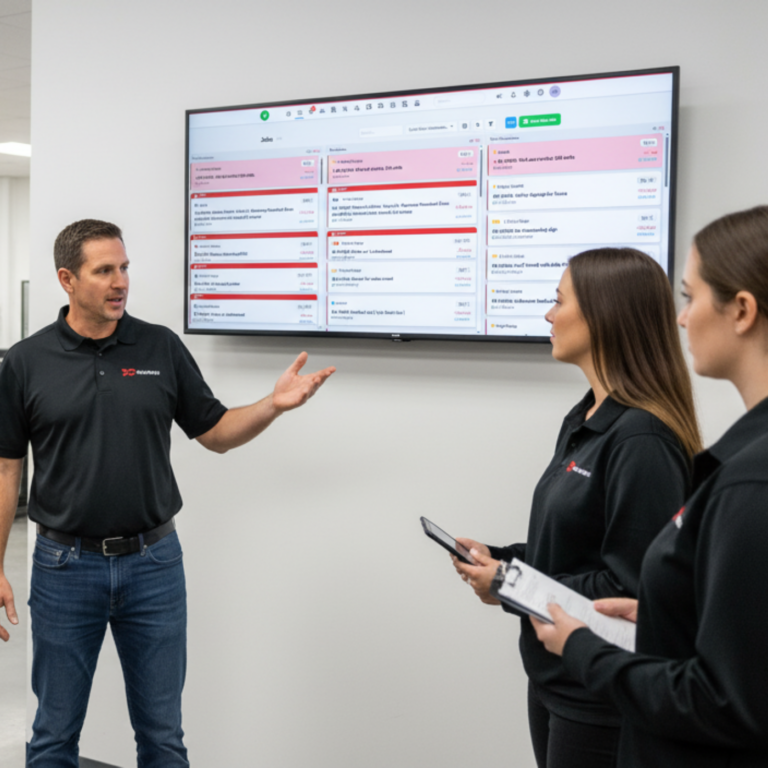
- Visual job boards and live status tracking
- Barcode scanning and workstation dashboards
- Artwork file storage and proof approvals
- Task assignment and workflow automation
Best For:
- Small to mid-sized screen print shops
- Shops focused on operational efficiency
- Teams looking to reduce production errors and delays
If your biggest pain points are missed deadlines, reprints, or production confusion, this is the category people are usually talking about.
Professional support from industry experts

Aaron
Signage, Apparel & Print

Crystal
Apparel, Signage & Print

Jennifer
Signage

Craig
Signage

Hannah
Signage
What Is Screen Printing Business Management Software?
Screen printing business management software takes a broader, company-wide approach. This goes beyond production and looks at the entire business:
- Customer relationship management (CRM)
- Sales and lead tracking
- Quoting and estimating
- Financials and accounting integration
- Reporting and profitability analysis
Key Features:
- Customizable quote templates
- Integrated invoicing and payment processing
- Lead-to-job conversion tracking
- Business intelligence dashboards
- Inventory purchasing and vendor management
Best For:
- Shops with growth goals and multiple departments
- Businesses with a sales team or outside reps
- Owners who want data to drive decisions
It connects sales, production, and finance into one system.
This matters once your shop starts growing and you need visibility beyond the press schedule.
Head-to-Head Comparison
| Feature/Need | Screen Printing Management Software | Screen Printing Business Management Software |
| Job tracking & production workflows | ✅ Yes | ✅ Yes |
| Client communication & proofing | ✅ Yes | ✅ Yes |
| CRM (Customer Relationship Management) | ❌ No | ✅ Yes |
| Sales pipeline tracking | ❌ No | ✅ Yes |
| Invoicing & payments | Limited | ✅ Yes |
| Accounting integration | ❌ No | ✅ Yes |
| Reporting & business insights | Basic | Advanced |
| Suitable for growth-stage businesses | Somewhat | ✅ Strongly |
Which One Should You Choose?
Choose Screen Printing Management Software if:
- You’re primarily focused on improving print shop workflow and eliminating production bottlenecks.
- You want to reduce reprints, manage approvals, and run a tighter operation on the floor.
- Your sales are mostly handled in-shop or through basic channels.
Choose Screen Printing Business Management Software if:
- You want a full view of your shop’s health—from quotes to cash flow.
- You need tools to manage sales reps, clients, and lead pipelines.
- You plan to grow your shop into a multi-location or multi-service business.
Real-World Scenario
Case: InkLine Studio
InkLine started as a small print shop managing 10–15 jobs weekly. They began with basic screen printing management software to control workflow and eliminate production errors.
But as they grew, they needed more—sales pipeline tracking, integrated quoting, and automated billing. They upgraded to a comprehensive screen printing business management software solution and saw:
- A 30% increase in quote-to-close rate
- 3 hours saved per day on job setup and follow-up
- Monthly revenue growth of 22% over 6 months
Final Thoughts: Why Not Both?
shopVOX combines both.
You get production management tools and business-level visibility in one system. That means you don’t have to stitch together spreadsheets, accounting tools, and separate workflow apps.
You can run today’s jobs and track tomorrow’s growth in the same place.
All-in-One Power with shopVOX
Whether you’re managing screens, tracking jobs, or scaling your business, shopVOX delivers both screen printing management and business management features in one intuitive platform.Start Your Free Trial of shopVOX and experience the platform built to run—and grow—your screen printing business.